How to play Pico Park with eight phones
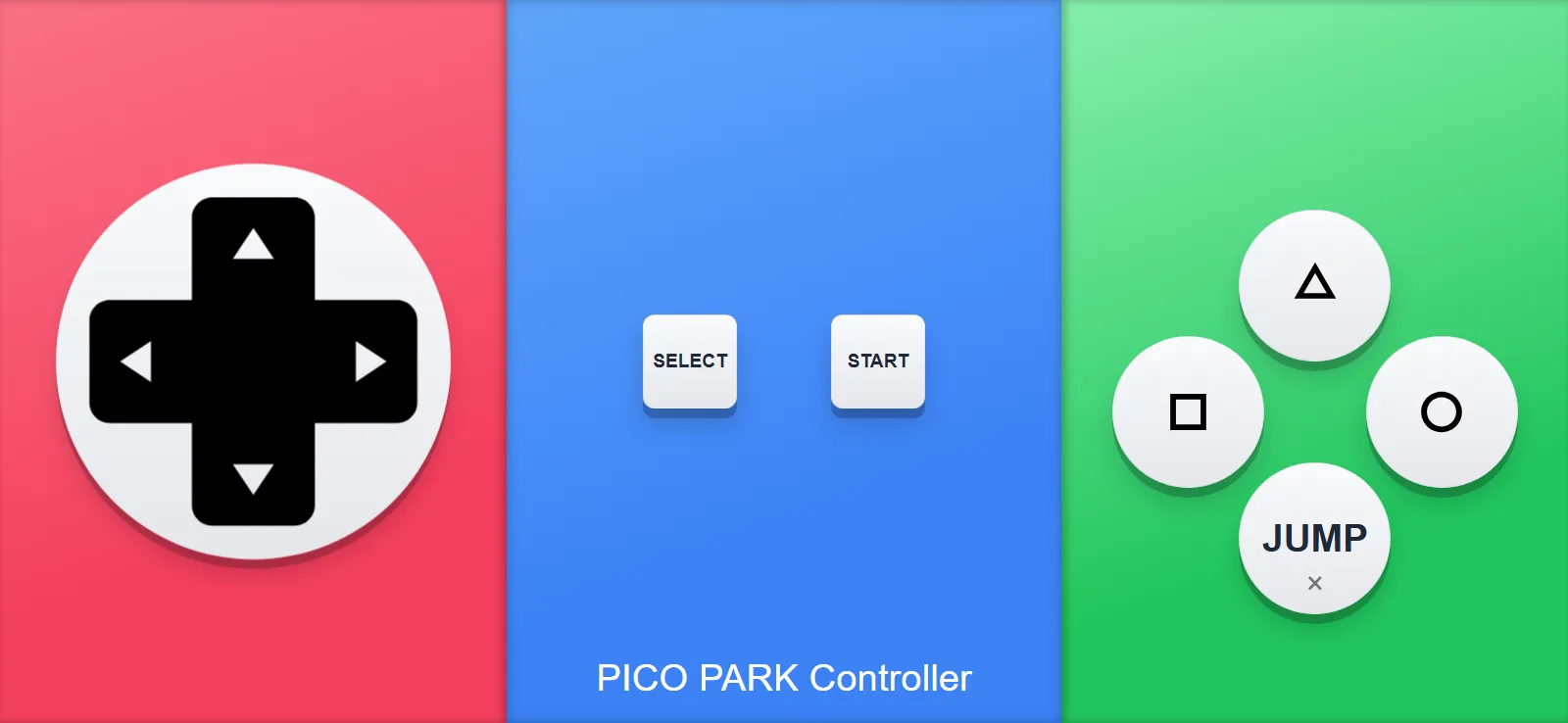
Pico Park needs a dpad and one JUMP button, so that's basically the whole layout. It's the simplest one in the app, and anyone can pick it up instantly. Here's how to get eight players in.
Here is what using it looks like
- Open QR Controller on the PC and set Controller Type to Pico Park.
- Set the controller count to eight. One per player, and you can add or remove slots mid session.
- Everyone scans the same QR code with their phone camera. The controller opens in the browser, no installs, no accounts!
- If someone's camera won't scan, they can go to qrcontroller.app and type in the room code instead.
- Start Pico Park, pick the player count, and play!
Need more than four players on Windows? QR Controller keeps going, seeDInput vs XInput. Pico Park takes all of them just fine. Tested with 16 phones!
The controls are simple, so the fun is all in coordinating with each other.
Nobody owns eight gamepads, but everyone already has a phone. Scan the QR Code, and thats it!
Want to try it?QR Controller is on Steam. This layout ships with it, and there's no per-player setup. Everyone just scans and joins.