Instant controller in your phone's browser🎮
Turn iPhone or Android into a remote controller. Friends scan a QR Code and instantly join.
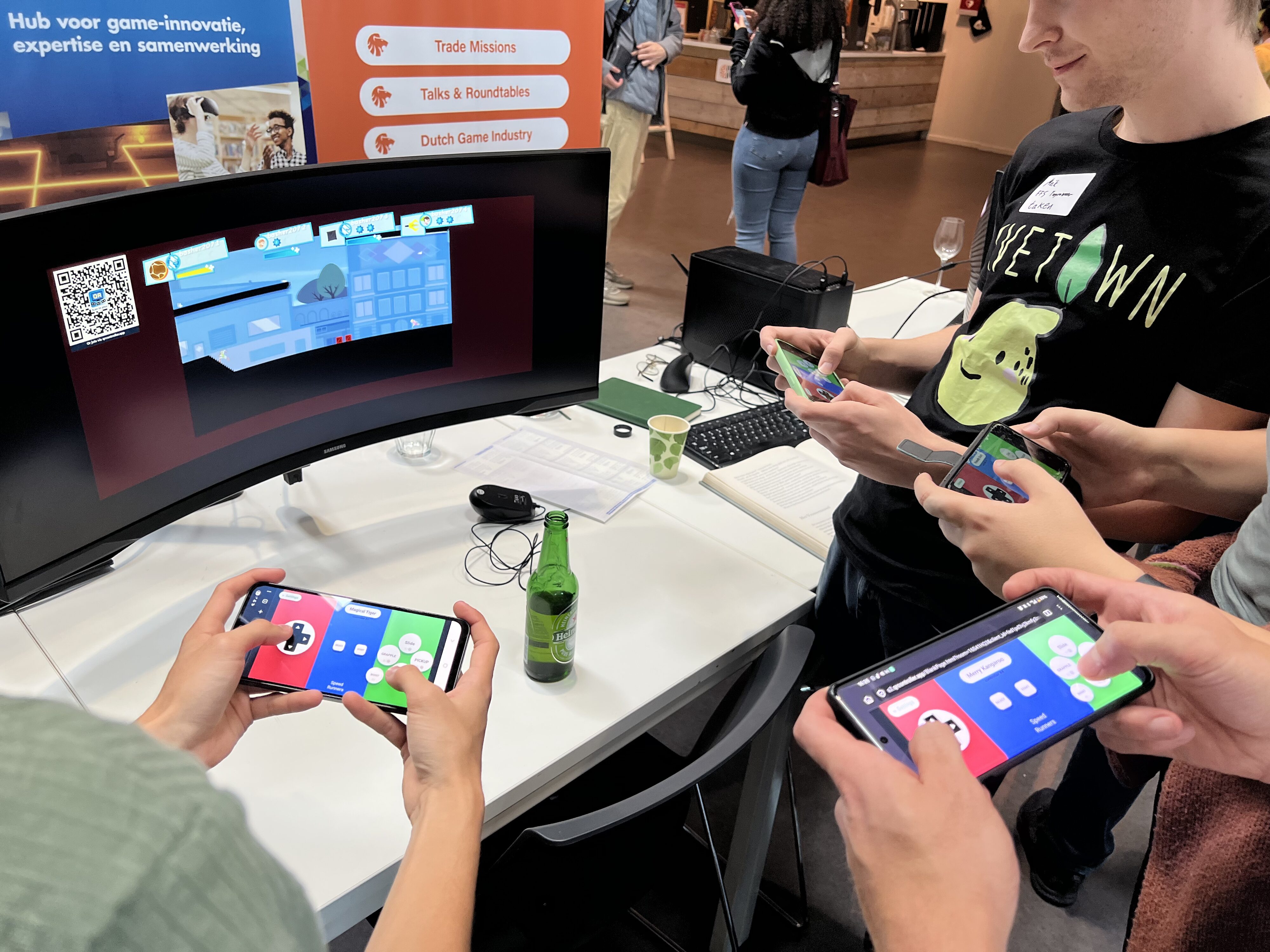
What is QR Controller?
An easy way to turn any phone into a controller for your PC games. Share a QR, let friends connect in seconds, and pick from pre-made controller setups or design your own.
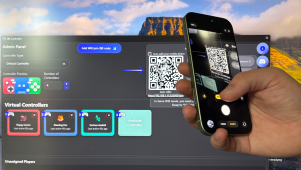
Connect instantly via QR
Scan a QR code and play!
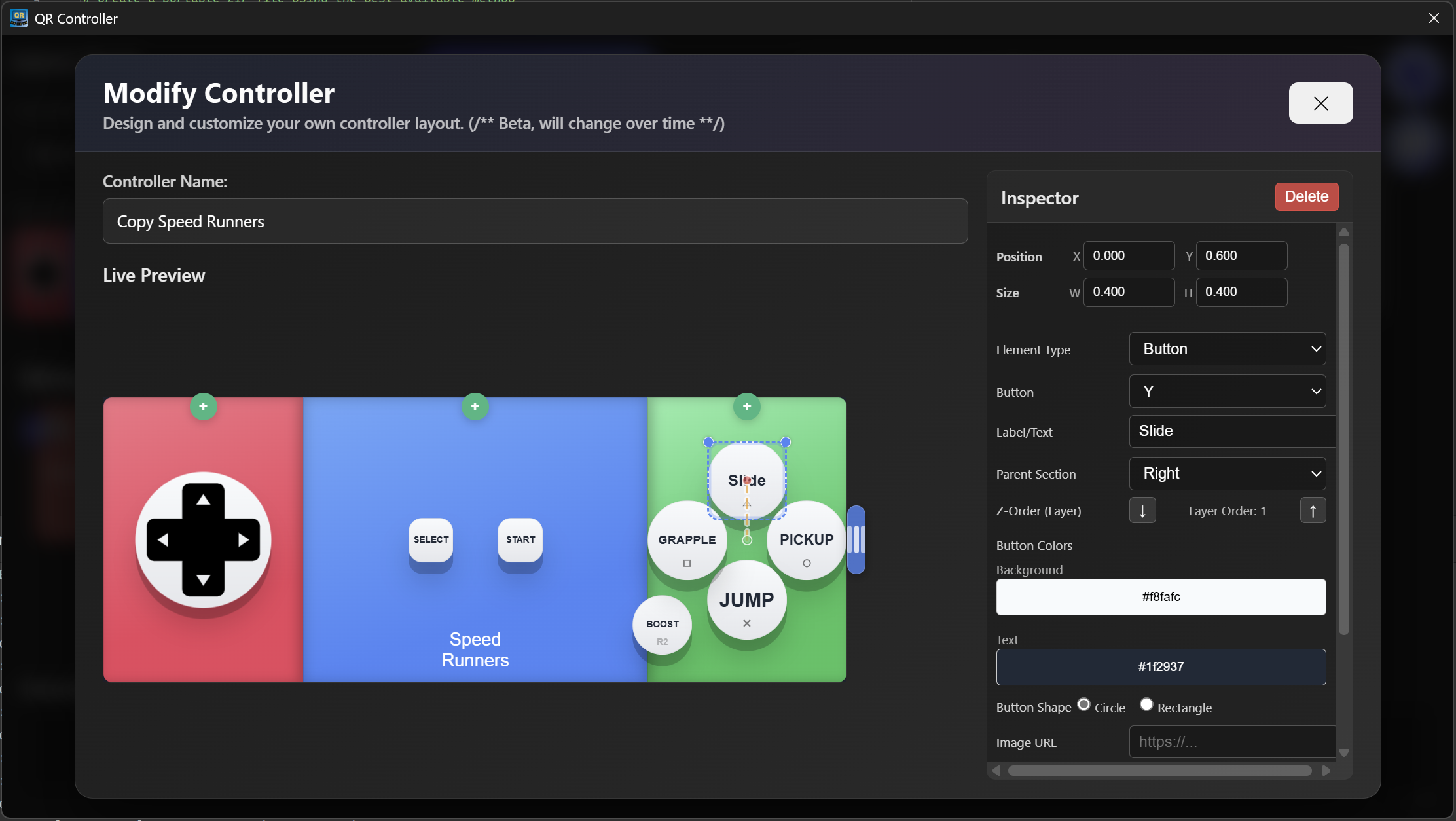
Edit & Remap
Create layouts that feel just right for your game.
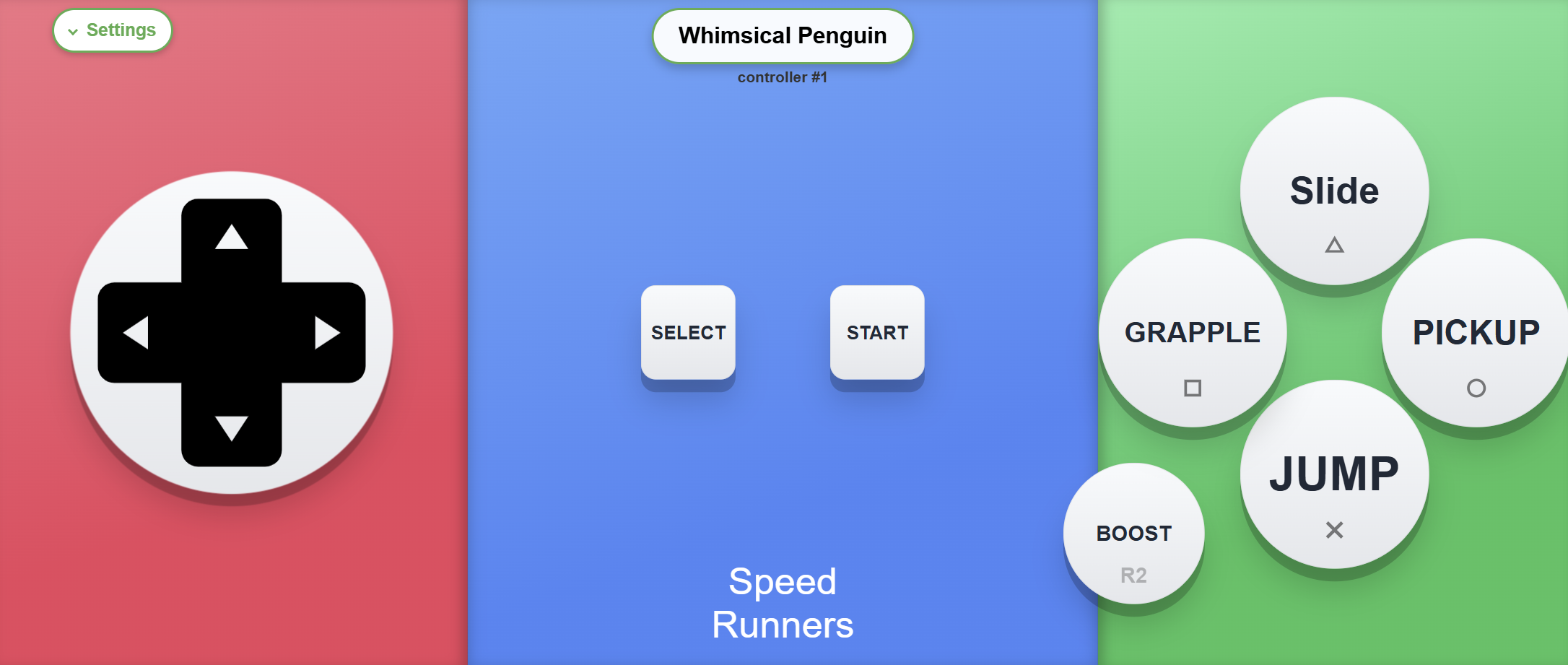
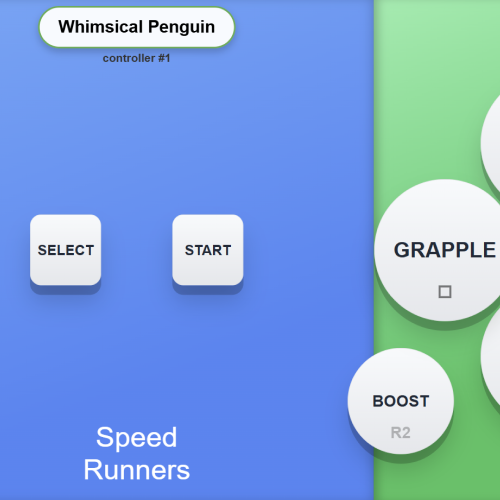
Buttons that say what they do
Label buttons with custom text so players instantly know how to play.
Features at a glance
Made for couch co‑op nights, quick demos, and prototyping.
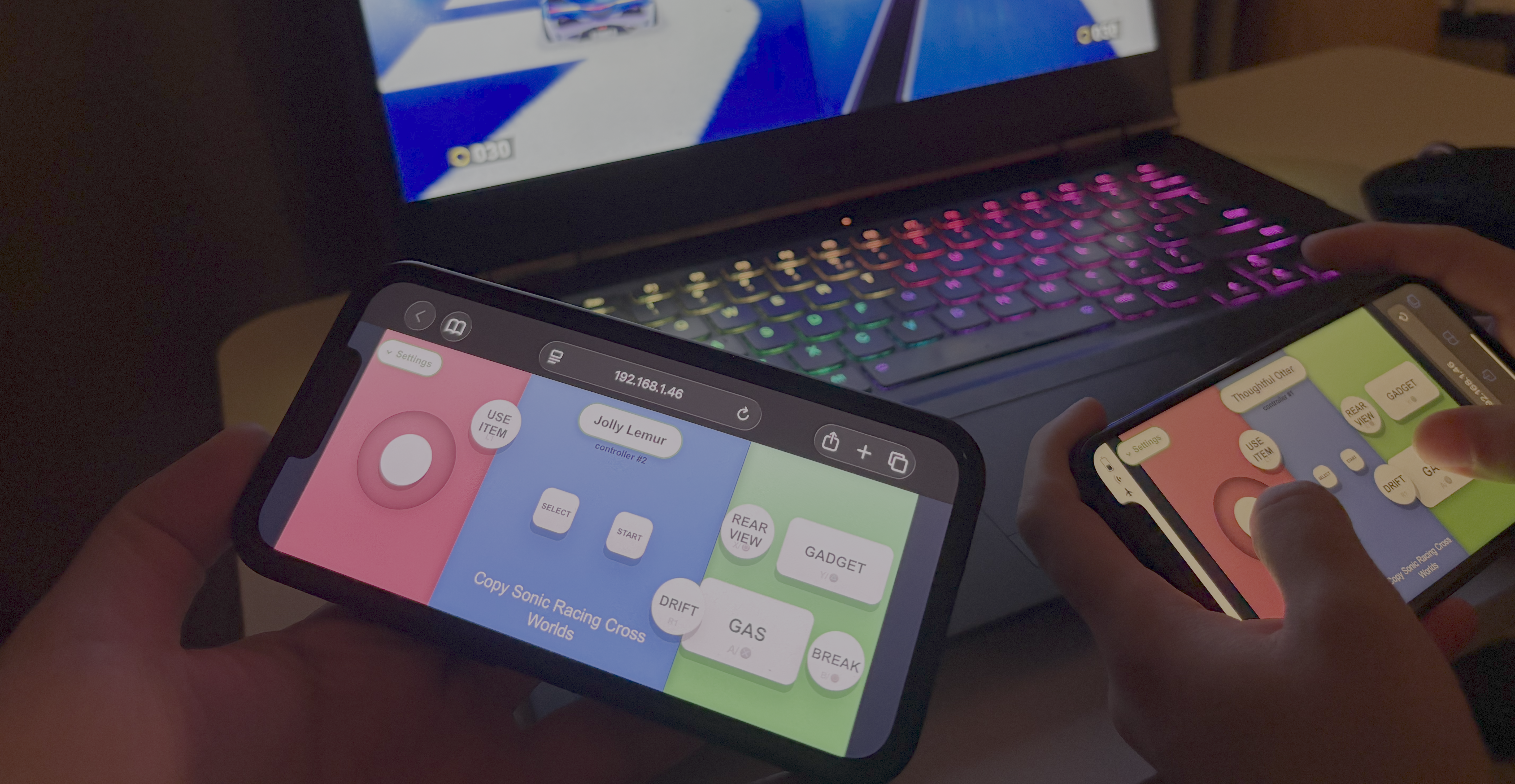
Use the phone you have
You won't always have enough controllers, but you'll always have enough phones!
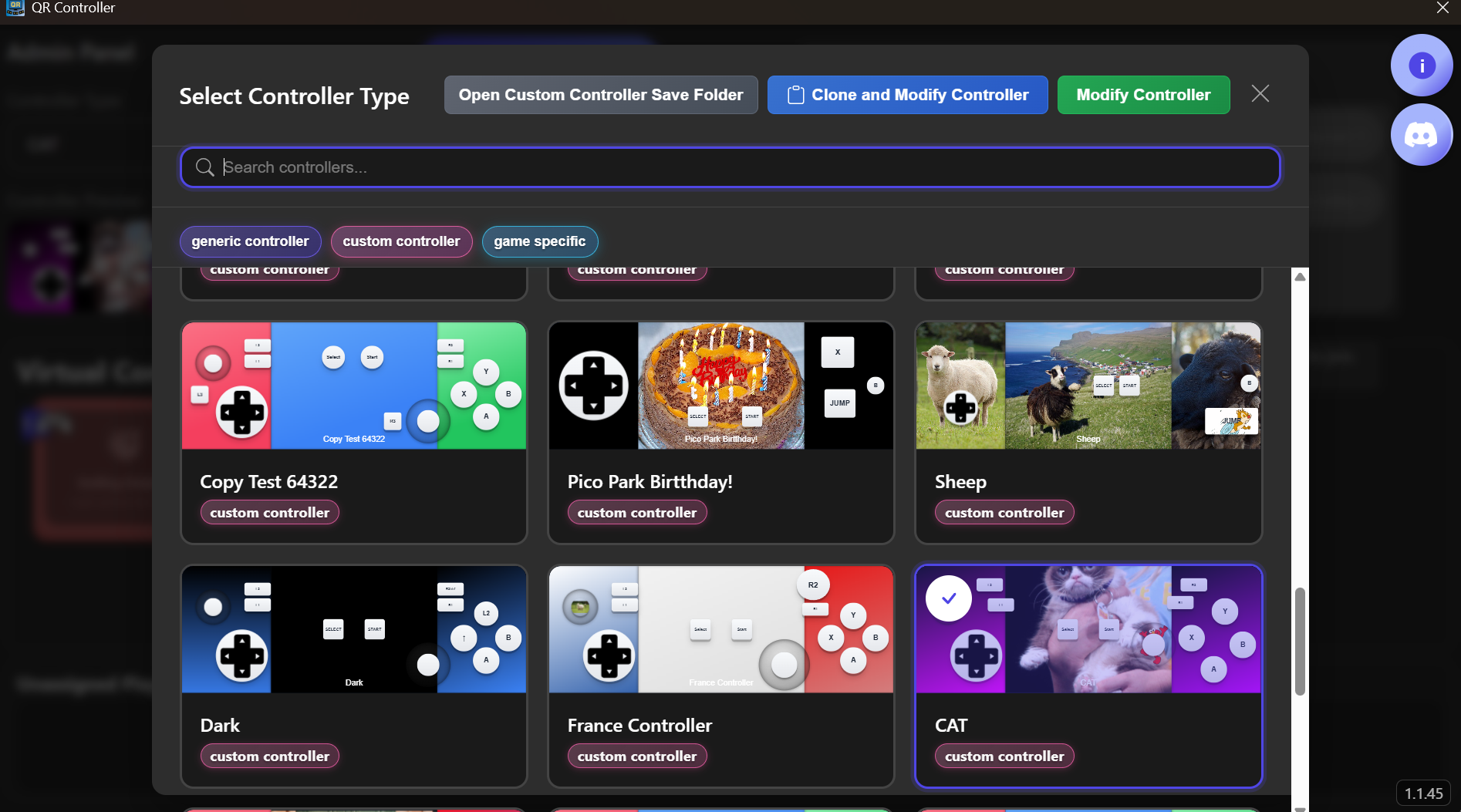
Game‑specific layouts
Fighting, racing, platformers... Swap to the perfect setup for any game.
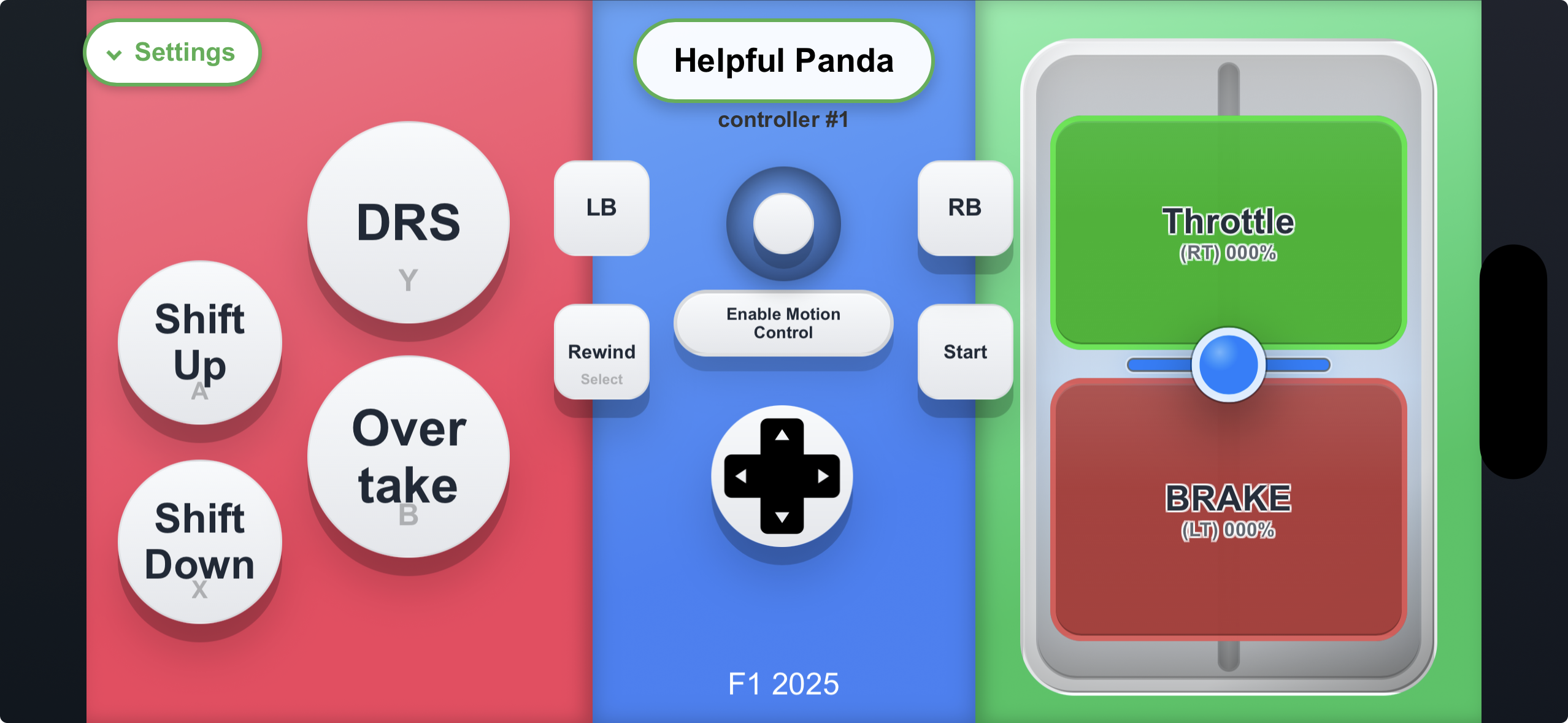
Phone as a steering wheel
Hold the phone like a wheel and tilt to steer, with pedals on screen. Ready-made layouts for Forza Horizon, Assetto Corsa, F1, and BeamNG.
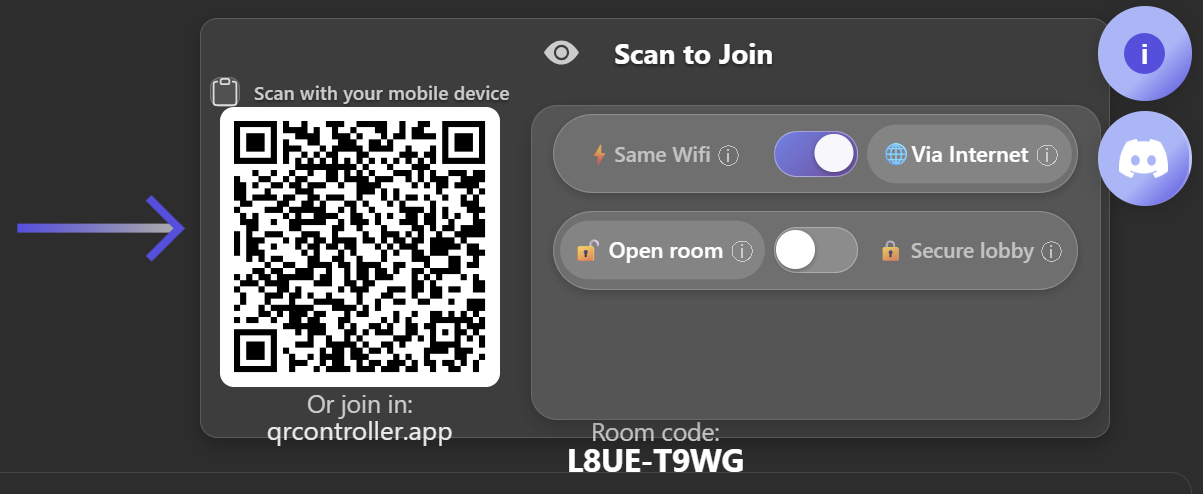
Local or online play
Connect friends on the same WiFi for best performance, or use internet play when local networking is not available.
Get the companion app
The browser controller works instantly, and the optional iOS and Android app adds a smoother phone-controller experience with native fullscreen, orientation, motion, haptics, and QR scanning.

Videos
Explainer videos on how QR Controller works.
Use phone as controller
See how to set up and use the app to play any game.
Phone as a steering wheel
Using a phone as a steering wheel in Forza Horizon 6.
Motion controls
A demonstration of motion controls in QR Controller.
Slider tutorial
How to add and use sliders in your controller layouts.
What Players Are Saying
Real feedback from gamers who've tried QR Controller.
If you are missing controllers to have more players in your local multiplayer games, this is the app for you! Highly recommended even if it's quite new. Dev is receptive and also very helpful in DC.
Works great! Had a bunch of friends play some party games, no setup required and everything worked flawlessly. The low latency over an internet connection is really impressive as well
Amazing! It lets you use your phone as a controller and includes gyro support. It makes it possible to play racing games, even sim racing titles! For sim racers who don’t have a racing wheel or can’t use one like me who can't go home often, I honestly think this is a better option than a controller. It runs very smoothly with almost no noticeable latency! This app is ABSOLUTE CINEMA
Its a great app, i have tested it with only 2 people and it worked flawlessly, i was going to bring up a bug in the discord about modifying the controller but someone beat me to it and the devs fixed it immediately so im impressed. i dont know about online usage but for Lan its seems like the perfect application, I'm definitely going to try play with 6 or more people and will update the review but for now if you are looking for a good way to play party games with multiple people this is it. Obviously i will point out that it is very hard to play alot of games with this type of controller. i have played and tested Make Way and Unrailed 2 and its good for these style games.
Media Assets
Download high-quality assets for your coverage.

FAQ
Quick answers for players setting up QR Controller.
Do players need to install anything on their phones?
No. Players scan the QR code and use the controller in their phone browser.
Is there a companion app?
Yes, an optional one foriOSandAndroid. It works like the browser controller but adds native fullscreen, orientation lock, smoother motion controls, haptics, and a built-in QR scanner.
Can I use my phone as a steering wheel?
Yes. Hold the phone like a wheel and tilt to steer, with pedals on screen. Ready-made layouts are included for games like Forza Horizon, Assetto Corsa, F1, and BeamNG, and you can calibrate the steering range and feel to match your game.
Does QR Controller work over the internet?
Yes. Friends can connect on the same WiFi for the lowest latency, or over the internet when local networking is not available.
Which phones are supported?
QR Controller works with modern iPhone and Android browsers. For the best experience, keep the browser updated.
Which desktop platforms are supported?
QR Controller is available on Windows, macOS, SteamOS, and Linux.
Can I make custom layouts?
Yes. You can create game-specific layouts, rename buttons, and remap controls so each game is easier for friends to pick up.
How many players can join?
QR Controller has been tested with 16 phones connected at once, and even more can be added depending on the game, your network, and the host computer.
Do I need extra controllers?
No. QR Controller is built for the moments when you have more players than controllers.
Get in touch
Questions? Need custom assets? Press inquiries?