How to play Lego Party with phones as controllers
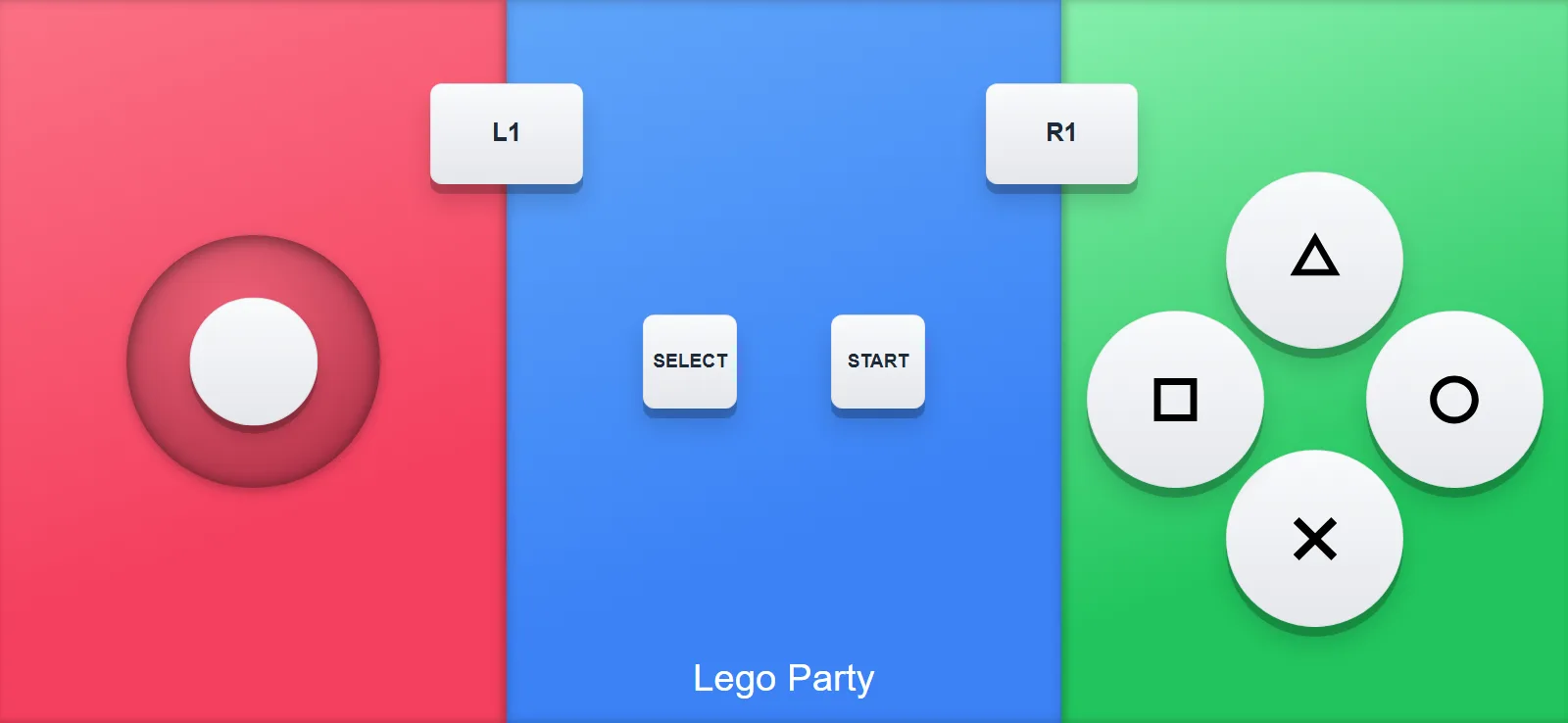
Lego Party is the Mario Party formula in Lego form, and this exact genre is why QR Controller exists. Minigames that use two or three inputs, short rounds, four players, and usually not four controllers in the house. The phones in the room solve it. Here's the setup.
Here is what using it looks like
- Open QR Controller on the PC and pick the Lego Party layout under Controller Type.
- Add four controllers, one per player. If more people arrive later, you can add slots mid game.
- Everyone scans the QR code on the TV with their phone camera. The controller opens in the browser, and every phone shows its player name.
- If someone's camera won't scan, they can type the room code at qrcontroller.app instead. Works the same!
- Start Lego Party and roll the dice.
The layout
It's a clean standard pad. Stick, face buttons, shoulders, Start and Select, everything big and thumb friendly. Minigame collections jump between control schemes constantly, and a straightforward layout works for all of them.
If someone who's never touched a PC game wants to join, they just scan the QR code with their phone and they're playing. No controller to learn.
Also check out thePico Parkguide, another great party pick.
Want to try it?QR Controller is on Steam with this layout built in. The QR code goes on the TV and everyone joins from their phone.