Sharing controllers on the Steam Workshop
Not everyone wants to build a layout from scratch. If someone already made a good one for the game you're playing, you should just be able to grab it. That's what the Steam Workshop button is for!
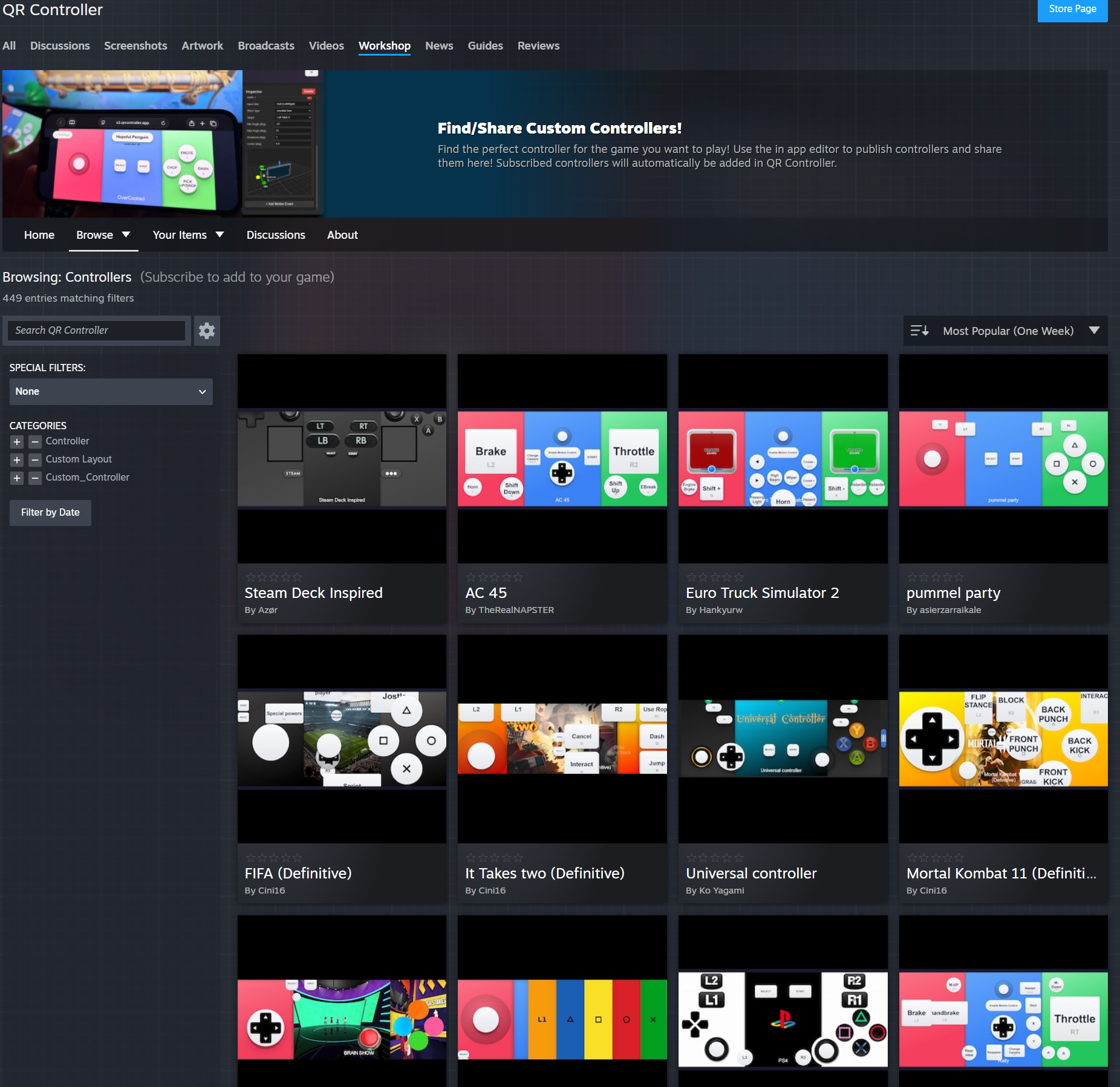
Build a controller in the editor, hit publish, and it goes up on the Workshop. Other people subscribe, and it drops straight into their controller list the next time they open QR Controller. No files to email around.
It works the other way too. Browse the Workshop, subscribe to a layout someone else made, and its just there in your list. Unsubscribe and it's gone. Steam handles the updates, so if the author fixes a button later, you get the fix without doing anything.
Whats on there is controller layouts, not games. You still need your own copy of the game. Then simply scan the QR Code from your phone, and thats it!
Want to try it?QR Controller is on Steam. Build a layout, publish it, or grab one someone else made. Friends still just scan a QR code to play.