How to play Sonic Racing CrossWorlds with phones as controllers
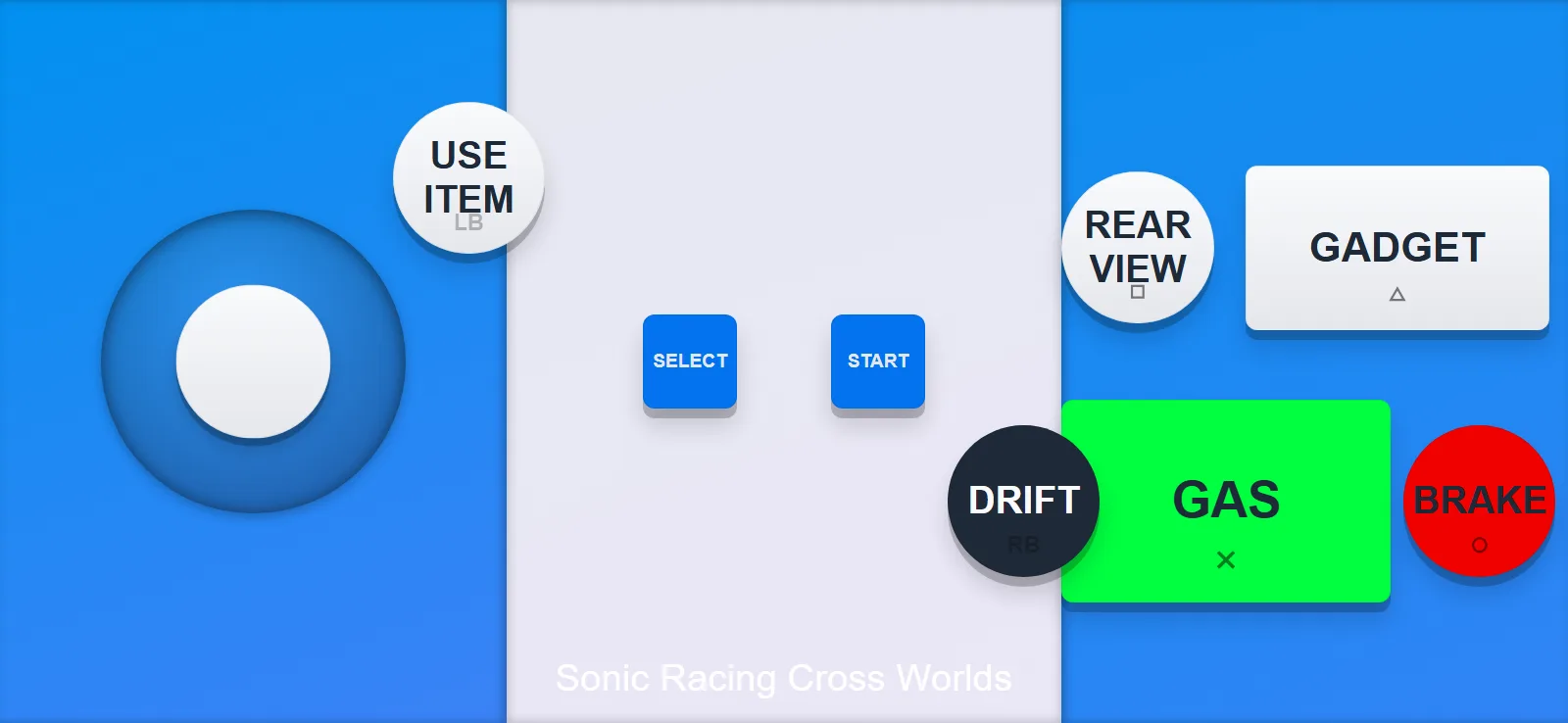
Sonic Racing CrossWorlds is a great layout for kids. The buttons say GAS, BRAKE, DRIFT and USE ITEM in big letters, so nobody has to ask what does what. You also get a GADGET button and a REAR VIEW button.
Here is what using it looks like
- Open QR Controller on the PC and pick the Sonic Racing CrossWorlds layout under Controller Type.
- Add one controller per racer. You can add or remove them whenever, even mid session.
- Everyone scans the QR code with their phone camera. The controller opens in the browser, nothing to install!
- Pick a racer in the game and go!
Motion steering
The layout ships with two variants and you can flip between them on the phone. Default is buttons and a stick. Motion turns the phone into a little steering wheel. For that, use the companion app or Via Internet mode. Tilting into a drift in a Sonic game just feels right!
This one is great for family gatherings. Everyone already owns a phone, and nobody has to learn a controller.
Want to try it?QR Controller is on Steam and this layout comes built in. Everyone joins with one QR scan.