How to play It Takes Two when you only own one controller
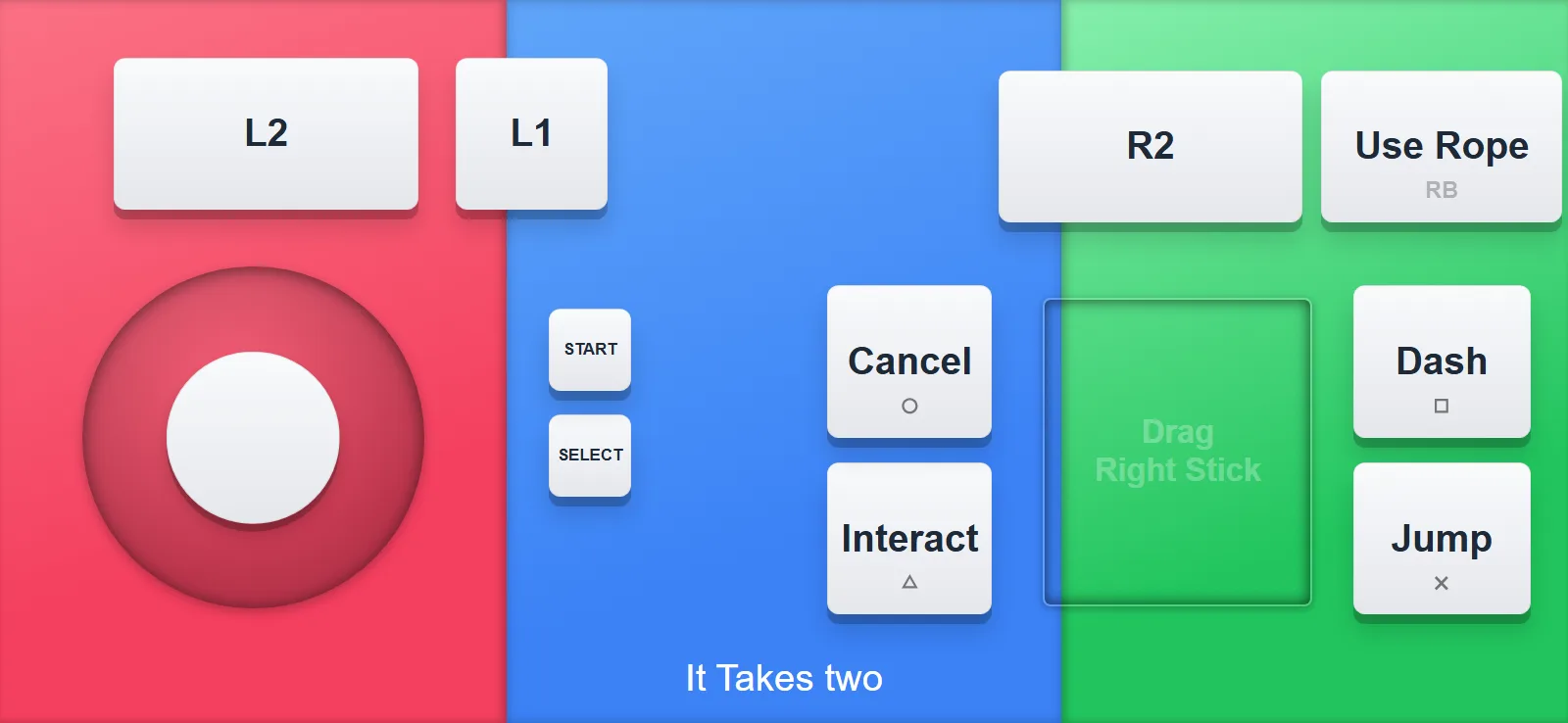
It Takes Two needs two controllers, and most households own one. Good news: your phone is the second controller!
Here is what using it looks like
- Install QR Controller from Steam on the PC that runs the game.
- Pick the It Takes Two layout under Controller Type.
- Player two scans the QR code with their phone camera. The controller opens in the browser and the PC registers a second gamepad.
- Want rumble? Open the controller through the free companion app instead of the browser and you get haptics too.
- Launch It Takes Two. It sees two gamepads. Split screen works, progress works, everything works!
The layout has the full gamepad: face buttons, bumpers, triggers, stick, Start and Select. Plus labeled buttons for the fun stuff: Use Rope, Dash, Jump, Interact.
One person on the real controller, the other on their phone, and you're playing!
Want to try it?QR Controller is on Steam and this layout ships built in. The phone joins from the browser, or through the free companion app if you want haptics.